
Your PageSpeed score is green. Your INP is not. Field vs lab for CMS sites.
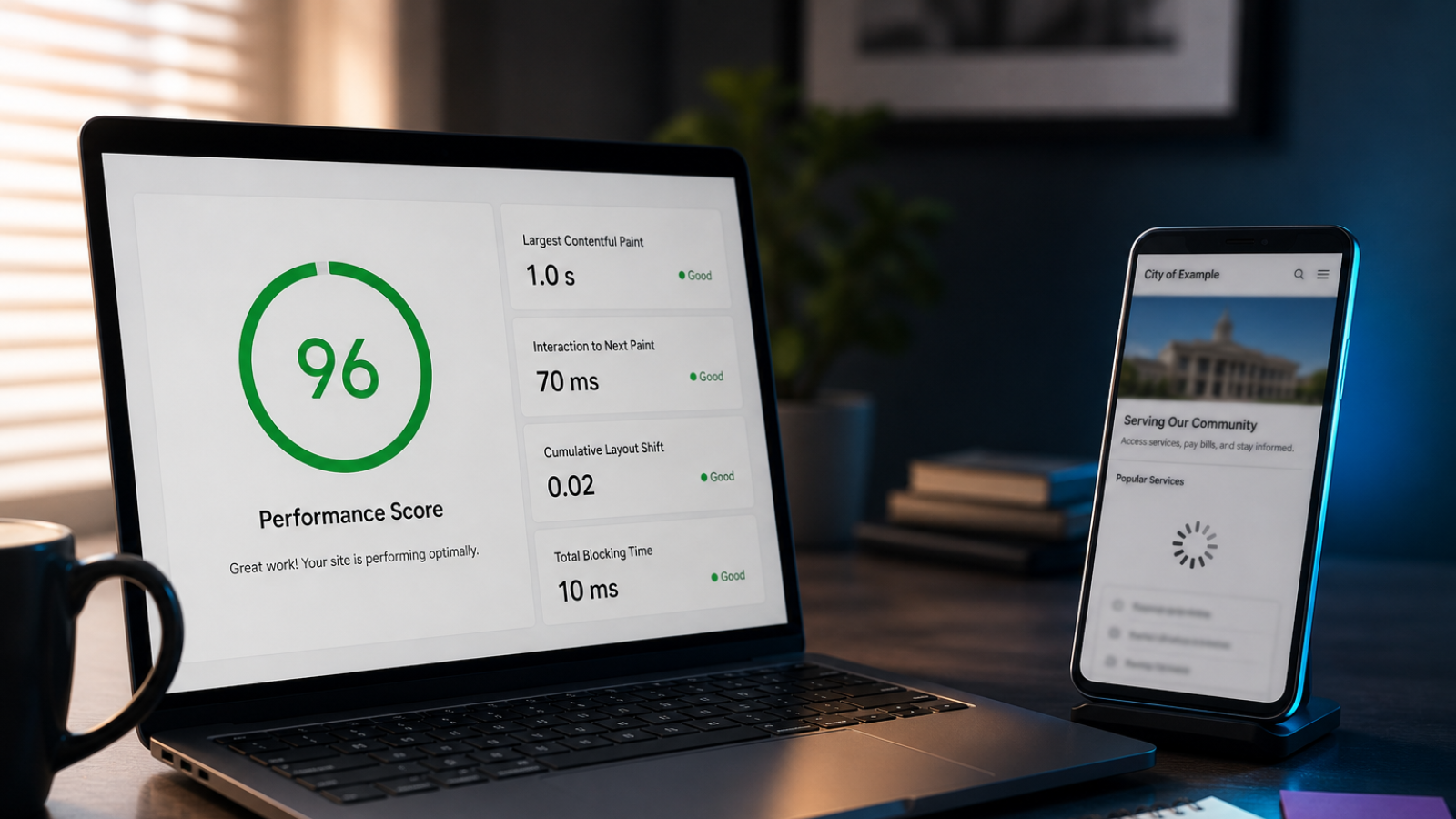
You ran Lighthouse. The score looks fine. Maybe even green.
Then someone opens Google Search Console or PageSpeed Insights and sees Interaction to Next Paint (INP) in the "needs improvement" or "poor" bucket. The site feels sluggish on a mid-range phone. Marketing asks why the "fast" site still fails a Core Web Vital.
That gap is common on Drupal and WordPress sites where lab tests and field data measure different things.
Lab vs field: what each one sees
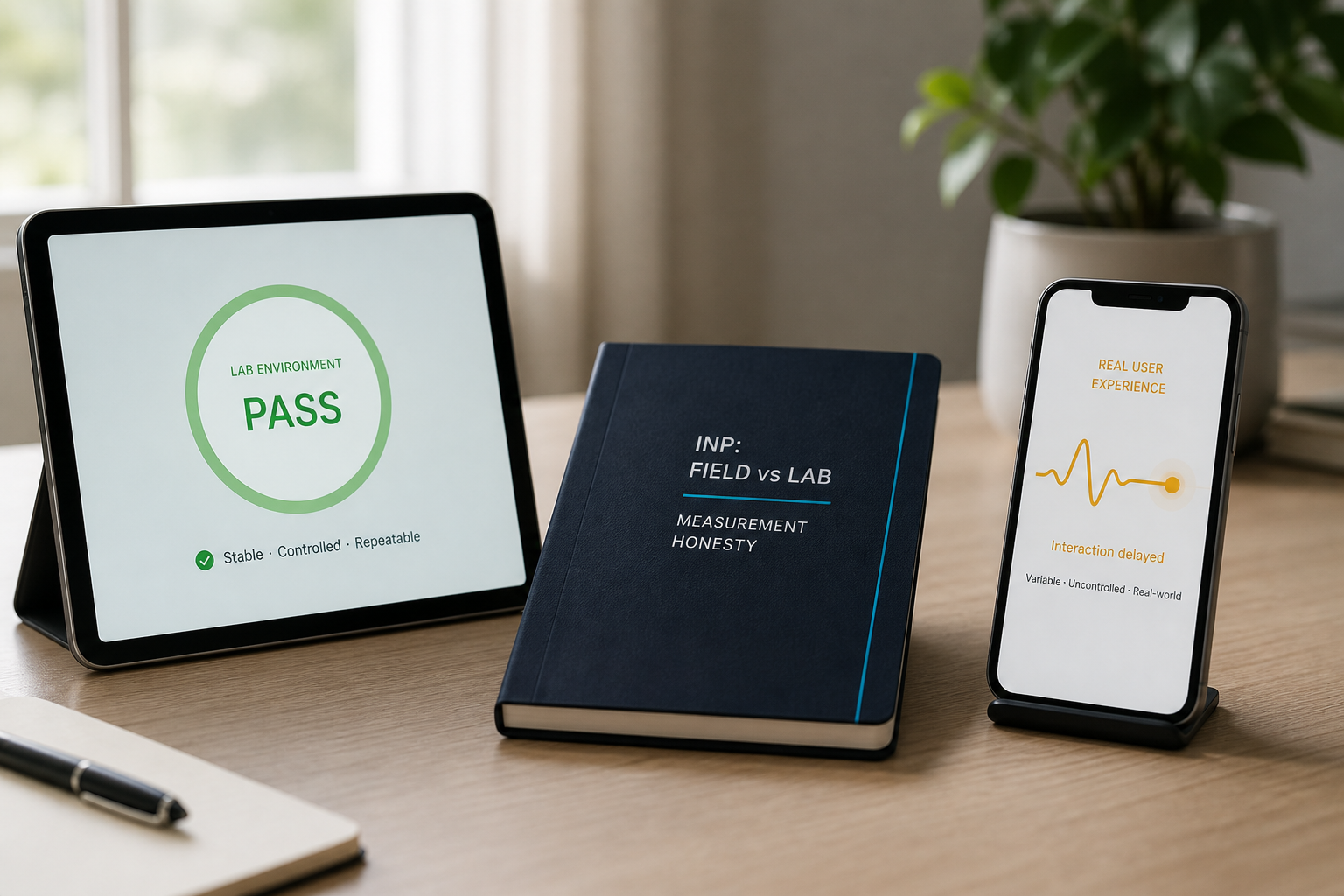
Lab tools (Lighthouse, local audits) run in a controlled environment. They can throttle CPU and network, but they still miss the long tail of real devices, extensions, ad blockers, and the JavaScript your CMS loads on every page.
Field data (Chrome User Experience Report, Search Console Core Web Vitals) aggregates how real users experienced your pages. Google evaluates INP at the 75th percentile of page loads. For INP, web.dev defines:
- Good: 200 ms or less
- Needs improvement: 200 ms to 500 ms
- Poor: greater than 500 ms
INP replaced First Input Delay as a Core Web Vital in March 2024. It measures responsiveness: from a user interaction (click, tap, key press) until the browser can paint the next frame.
Why CMS sites pass lab and fail field

Third-party scripts stack up
Chat widgets, analytics, heatmaps, A/B tools, and embeds often load on every template. Each adds main-thread work. Lab runs may not include the same consent-banner delay or tag-manager chain your production site uses.
Admin and editor leftovers on the front end
Drupal and WordPress can enqueue scripts meant for logged-in editors, toolbar assets, or block-library CSS on public pages when themes or modules are misconfigured. Lab tests on a clean URL may not catch global enqueue mistakes.
Plugin and module JavaScript
Page builders, sliders, and "enhancement" plugins ship large bundles. One homepage hero can dominate INP on mobile even when static content looks lightweight.
Mobile CPU reality
Field data skews toward phones on slower networks. A desktop Lighthouse run on fiber does not represent a commuter scrolling a municipal site on LTE.
Three first moves (before a rewrite)
- Compare lab URL to field URL group. Search Console shows which URLs drag INP. Often it is the homepage, a few landing templates, or pages with heavy embeds, not the whole site.
- Audit third-party load order. Defer non-critical scripts. Load chat and survey tools after first paint where policy allows. Measure before and after on a staging mirror with throttling.
- Profile main-thread work on key templates. Use Chrome DevTools Performance on a throttled mobile profile. Look for long tasks after first interaction (menu open, accordion, search). Fix or replace the worst offender on the template, not one page at a time forever.
When to escalate beyond quick wins
If INP stays poor after script hygiene and template fixes, you may need component-level refactors (navigation, filters, maps), caching strategy review, or hosting/PHP tuning. That is stewardship work, not a one-click plugin.
We help teams map lab green / field red gaps to a prioritized backlog on Drupal and WordPress stacks.